

Business Printer Management Services
Office Printing
Managed for Business
Visva works with small businesses and professional offices across the United States and Canada to organize their printing environments. We help with business printer configuration, network and software coordination, multi-printer management, and the day-to-day operational questions that arise in an office.
Our engagements follow a clear business process: we discuss your requirements, confirm what falls within our service scope, and agree on the applicable charges before any paid work begins. Where a request falls outside our capabilities, we say so and point you toward the appropriate next step.
Visva is an independent business printer management provider — see the independent provider disclosure for details.
01 — Business Challenges
Where Office Printing
Gets Complicated
As a business grows, its printing environment tends to accumulate devices, configurations, and informal workarounds. What was simple at two people becomes harder to manage at fifteen.
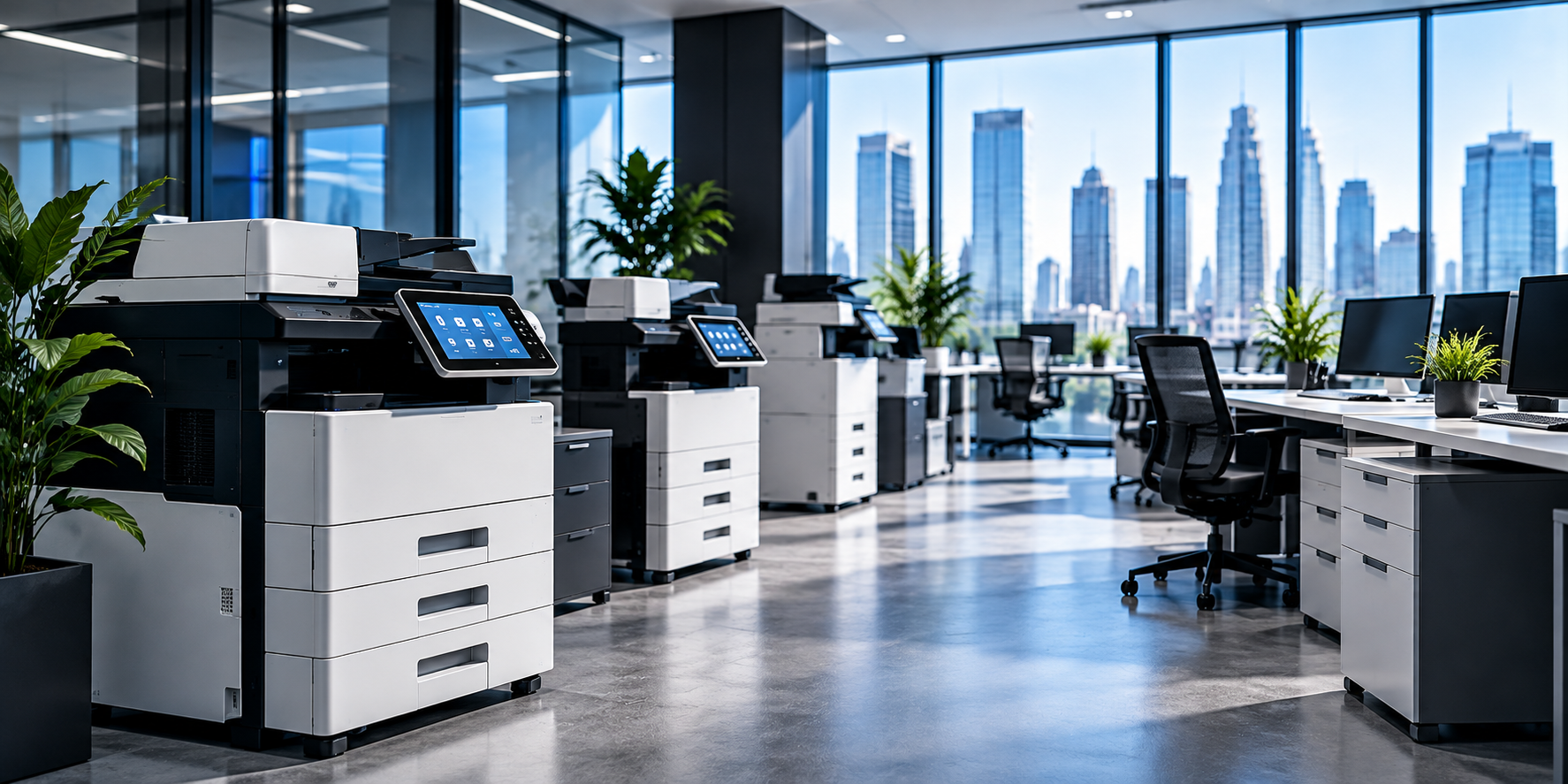
Printers accumulated over time
Each device added its own settings, drivers, and quirks. What worked initially is now inconsistent across the office.
Inconsistent configuration across workstations
Default preferences, tray assignments, and print options vary from one workstation to the next, producing unexpected results.
Coordinating network printing across an office
Wired and wireless connections, address conflicts, and shared print environments create friction that nobody owns.
Driver and software administration
OS updates and differing driver versions quietly affect whether printing works consistently across the team.
No clear owner of the printing environment
Printer-related tasks tend to fall between roles — no one person is accountable for device records or configuration.
Limited visibility into business printing
Without documentation or device records, it is difficult to understand where printing resources actually go.
02 — Who We Serve
Small Businesses and
Professional Offices
Visva works with organizations that need organized, dependable office printing operations. Suitability always depends on your equipment, requirements, and the agreed scope.

Small and medium-sized businesses
Multiple devices and workstations, managed with clearer documentation and coordination.
Professional services firms
Consistent printing across teams that depend on regular document output.
Accounting and bookkeeping offices
Organized printer settings and workflows for recurring financial document tasks.
Legal and administrative offices
Coordinated printing across departments, with attention to confidentiality and consistency.
Real estate businesses
Printing support for listings, contracts, and client-facing materials.
Retail businesses with office printing needs
Printing for receipts, labels, and internal documents.
Growing companies with multiple workstations
Printing operations that scale as staff and device counts increase.
Offices operating several printers
Order brought to device inventory, configuration, and usage.
Businesses seeking consistent administration
Documented and organized printing environments, easier to manage over time.
03 — Business Printer Management Services
Services for Office
Printing Operations
The precise scope of any engagement depends on the device, network, software, and your business requirements. Visva is an independent provider — applicable exclusions and pricing conditions are set out in the Scope & Pricing section.
Office Printer Environment Assessment
We start by understanding your existing printers, how they are used, how workstations connect to them, and what operational issues keep coming up. That picture shapes everything that follows.
- Identifying configuration inconsistencies
- Reviewing device count and mix
- Documenting business requirements
- Determining which tasks fall within scope
Business Printer Setup and Configuration Coordination
We help you plan device configuration, compatibility considerations, connection methods, and device preferences — and coordinate with your existing IT arrangements where needed.
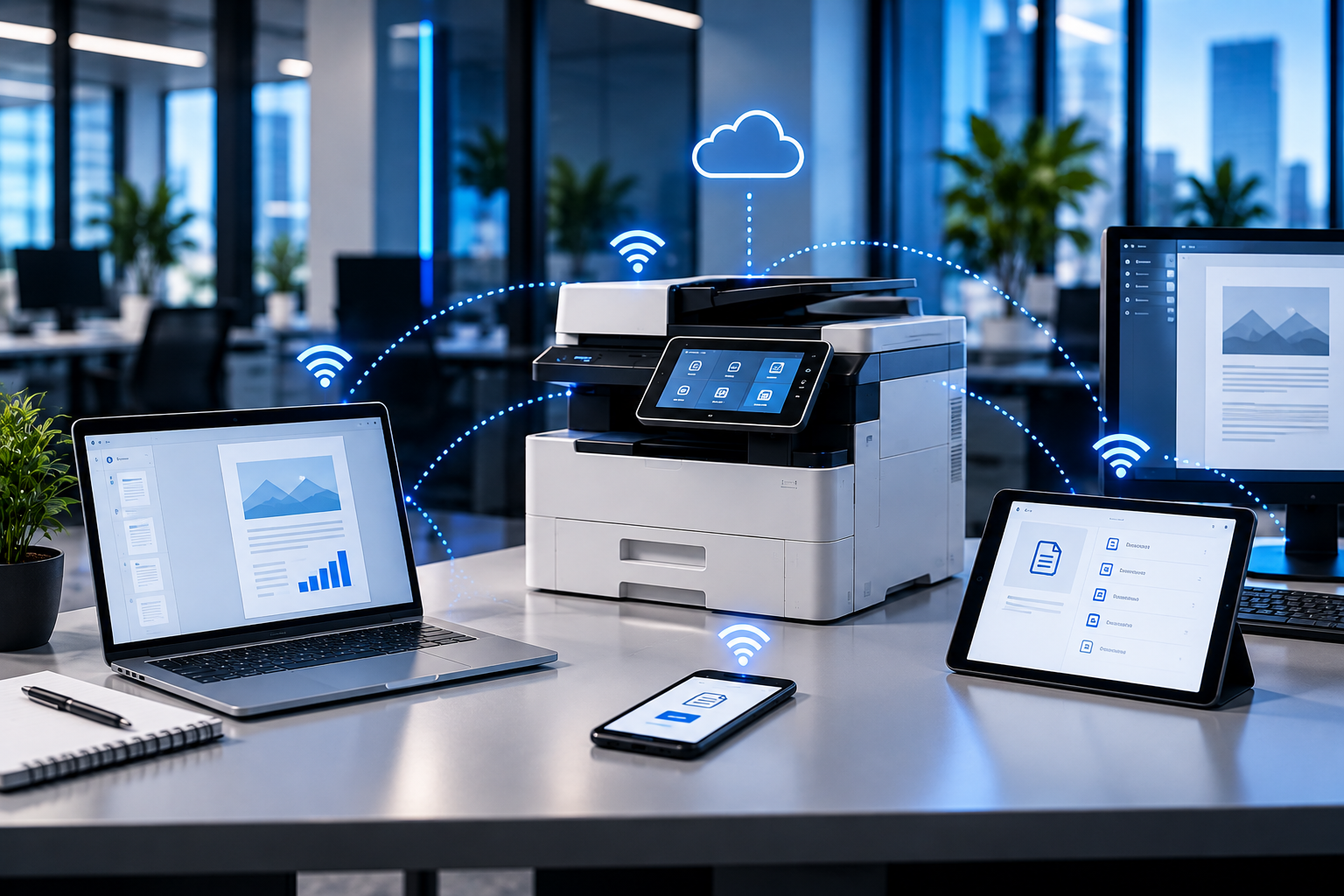
Office Network Printing Configuration Assistance
Printers connected to office networks tend to encounter familiar issues — network configuration, wireless stability, address conflicts, and shared printing environments. We help coordinate the changes, working with your network administrator where necessary.
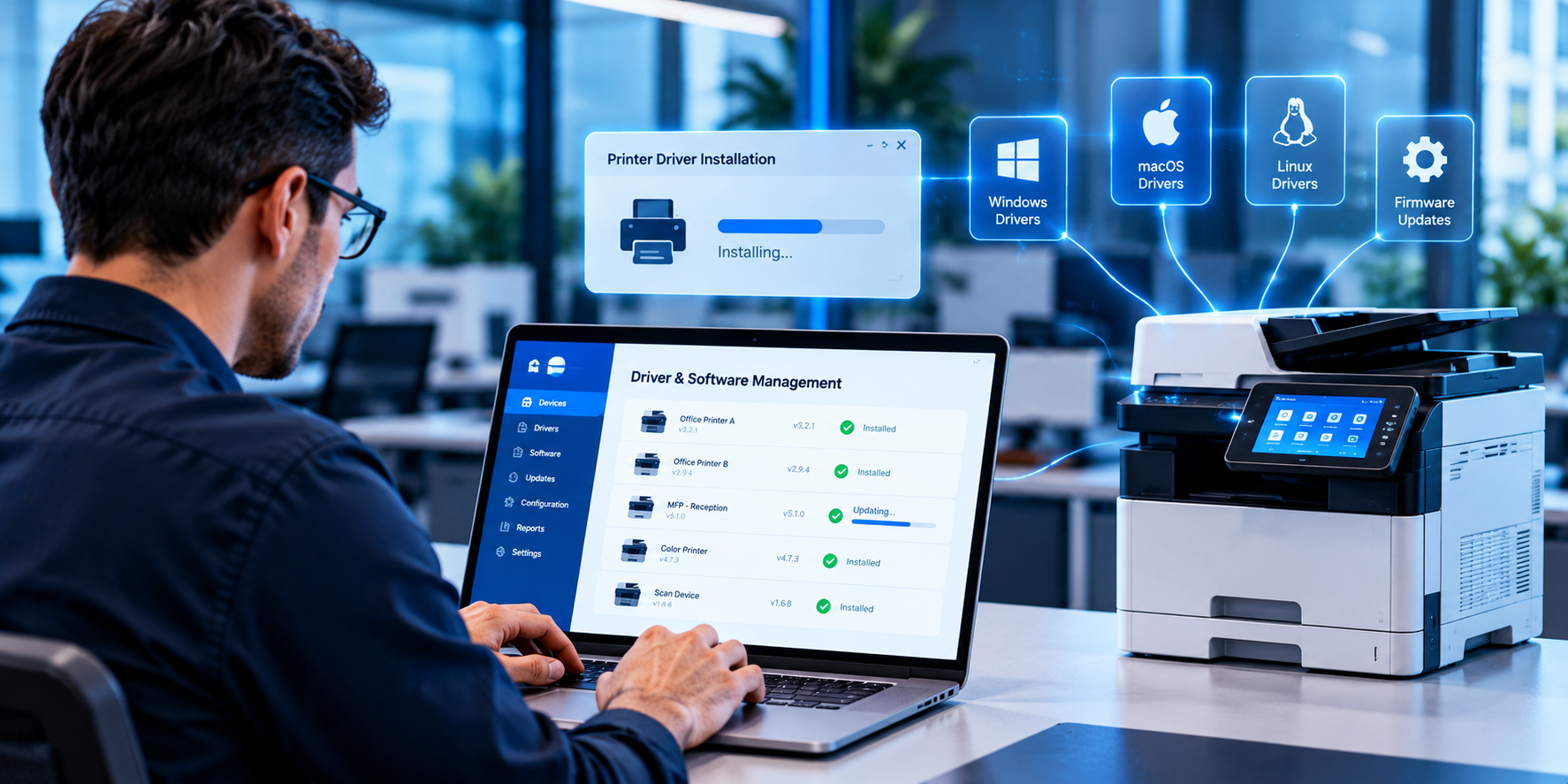
Printer Driver and Software Administration
Suitable drivers, supported software, compatible operating systems, and consistent device configuration all contribute to printing that behaves as expected in a business environment. We help you identify the relevant software requirements and manage them.
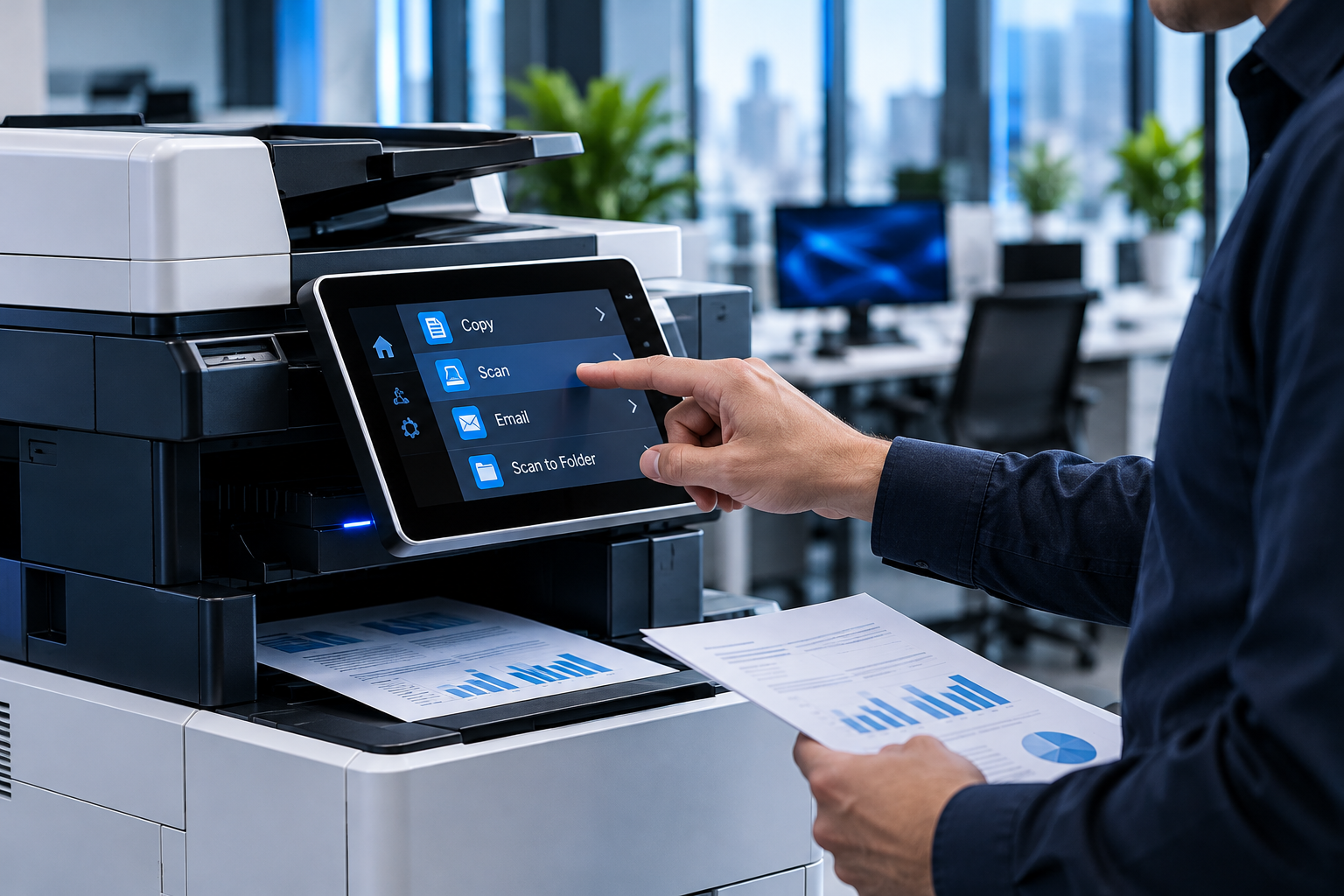
Multi-Printer Environment Coordination
Businesses running multiple printers benefit from organized device records and consistent administrative practices. We assist with device inventories, configuration documentation, usage considerations, and opportunities to simplify routine administration.

Printing Workflow Organization
We help you review printing practices, identify avoidable complexity, standardize settings where appropriate, and assess whether the current arrangement still suits your business needs. Practical considerations include unnecessary printing, device selection, document workflows, consumable planning, and administrative coordination.

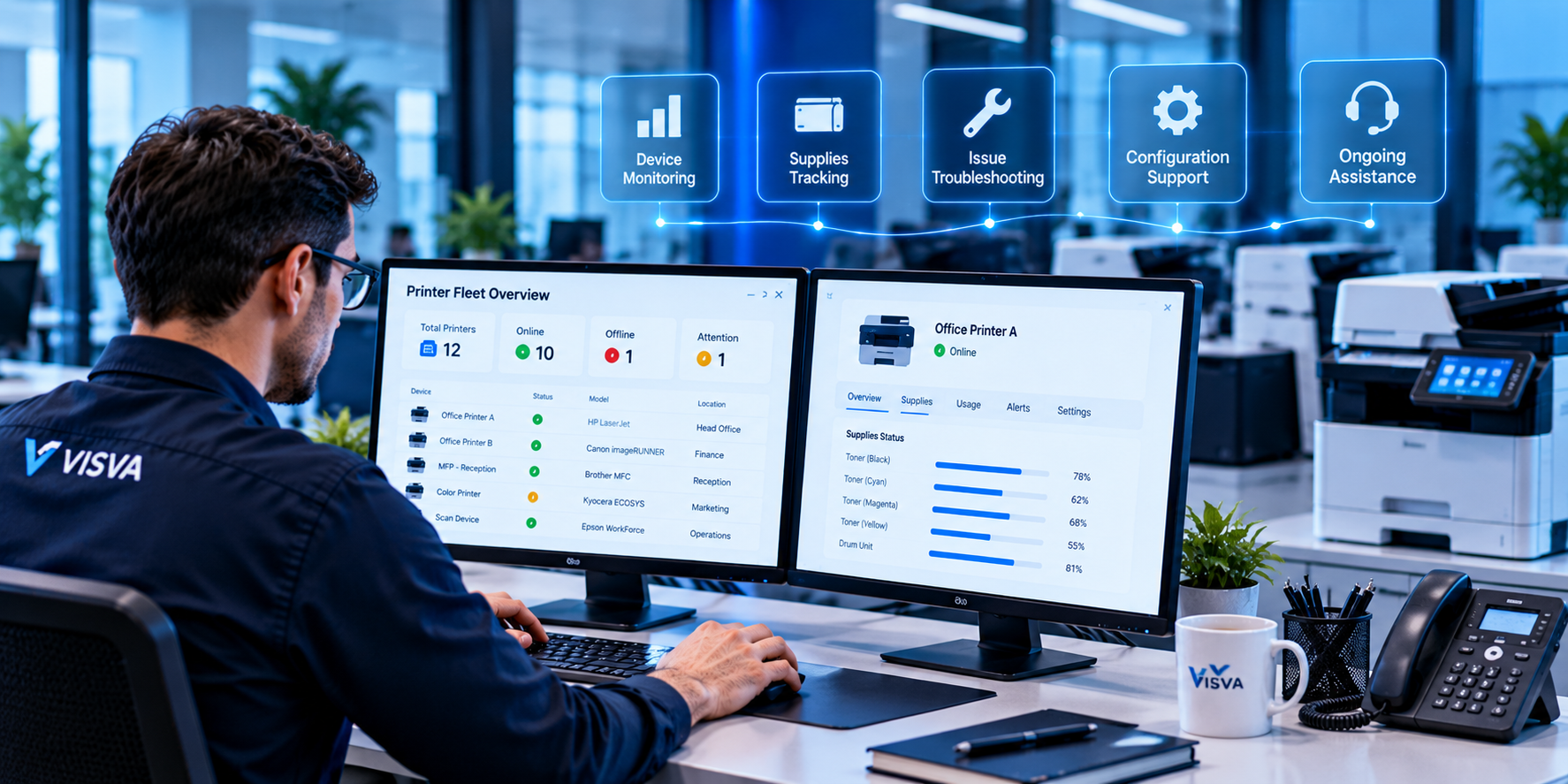
Ongoing Business Printer Management
As devices, staff, software, and office requirements change, continued assistance may be useful. Typical activities include reviewing documented configurations, discussing recurring operational concerns, coordinating future changes, and identifying when an issue requires another specialist.
04 — Business Benefits
What a More Organized Office
Printing Environment Delivers
Organized business printer management offers practical operational benefits. These are presented as intended outcomes, not guaranteed results — they depend on your environment and how the work is applied.
A more organized office printing environment
A clear picture of which devices are used and how they fit into the business environment.
More consistent printer configuration
Fewer avoidable differences between appropriately standardized devices and workstations.
Clearer coordination of printing resources
Routine printer-related responsibilities that are easier to understand and assign.
Better visibility into business printing requirements
Evaluation of device usage and requirements before changing equipment or processes.
A defined approach to managing office printing needs
Practical opportunities to simplify document-related work across the office.
Documented printing environment over time
Better documentation and oversight of the printing environment as the business evolves.
05 — Multi-Device
A Structured Approach to
Multi-Printer Offices
Managing several printers tends to create more administrative complexity than managing one.
Multi-printer offices regularly contend with maintaining an inventory of devices, understanding device and software compatibility, documenting network and workstation configurations, coordinating device changes, establishing consistent printing preferences, reviewing usage and workflow requirements, and identifying issues that require manufacturer or local technical assistance.
Visva's role is to help you approach these tasks in a more organized way — creating device records, documenting configurations, and discussing practical steps for coordination.
TYPICAL MULTI-PRINTER CONCERNS
Areas to document and coordinate
- Maintaining an inventory of devices
- Understanding device and software compatibility
- Documenting network and workstation configurations
- Coordinating device changes
- Establishing consistent printing preferences
- Reviewing device usage and workflow requirements
- Identifying issues that require manufacturer or local technical assistance
06 — How the Engagement Works
A Clear Process for
Business Engagements
Business Enquiry
You describe your office printing environment and the assistance your business needs — by phone or email.
Requirements Discussion
We review the device, configuration, connectivity, and service details to determine whether the request fits our scope.
Scope & Pricing
We explain the proposed work, any limitations, and the applicable charges — before any paid work begins.
Agreed Service
We carry out the agreed work, and where an issue requires another provider, we explain the appropriate next step.
07 — About Visva
An Independent Partner
for Business Printing
Visva is the service brand of Visva Business Solutions (OPC) Private Limited, an Indian business established in 2020 that serves customers in the United States and Canada.
Visva focuses on business printer management for small businesses and offices in the United States and Canada. Our work centers on understanding business printing requirements, explaining the available options, and helping you manage printing-related operations through a clear and practical process.
We operate from Mohali, Punjab, India, and serve our North American markets through the service methods we can actually support.
- Legal entity
- Visva Business Solutions (OPC) Private Limited
- Registered address
- Industrial Shed No. F-135, Phase 8-B, Industrial Area, Mohali, Punjab, India, 140308
- Established
- 2020
- Country of operation
- India
- Service markets
- United States and Canada
- support@visva.co
- Phone
- 1-(888) 973-3308
08 — Independent Provider
Independent Business Printer
Management, Clearly Explained
Visva is an independent business printer management services provider. It is not affiliated with, endorsed by, sponsored by, or authorized by any printer manufacturer.
Visva is an independent business printer management services provider. It is not affiliated with, endorsed by, sponsored by, or authorized by HP, Canon, Epson, Brother, Xerox, Lexmark, or any other printer manufacturer. Manufacturer names and trademarks are used only to identify compatible products or discuss relevant business printing environments, where applicable. All trademarks belong to their respective owners.
Visva does not represent itself as a manufacturer's official support department, authorized service center, or warranty provider. Visva does not claim authority to administer or extend manufacturer warranties. Business customers should contact their manufacturer when warranty coverage or authorized hardware service is required.
Service availability depends on the device, issue, technical requirements, and agreed scope. Any limitations are communicated before paid work begins.
09 — Service Methods
The Right Approach for Each
Business Printing Requirement
Some tasks can be addressed through telephone guidance or an approved assisted session. Others require physical inspection or manufacturer-specific assistance, and we will say so.
When an assisted session is appropriate, we ask for your explicit permission beforehand, explain its purpose, access only the systems and information necessary for the agreed task, and let you review any significant changes. We do not ask for unnecessary credentials or sensitive business information, and we end access as soon as the agreed task is complete.
PHYSICAL SERVICE BOUNDARIES
When physical service may be required
Mechanical failures, damaged components, electrical faults, and other physical problems may require a qualified local technician or manufacturer service.
- Visva does not promise that all issues can be solved through telephone or assisted sessions.
- Physical hardware service is not claimed unless independently confirmed.
- Manufacturer warranty service is not provided by Visva.
10 — Scope & Pricing
Clear Expectations
Before Work Begins
Visva does not publish a standard public price list. Pricing depends on the specific service requested. Applicable fees and scope are confirmed with you before work begins.
We assess your request before confirming scope. Applicable fees are communicated before paid work begins. Any recurring charges, if offered, are disclosed in advance. You are informed about exclusions and relevant limitations, and any additional work requires fresh communication and agreement. Payment terms and cancellation conditions are provided before you commit.
Third-party costs — including software licenses, subscription fees, hardware purchases, consumables, and manufacturer charges — are not included in Visva's service fees and are paid separately by the customer unless stated otherwise in the agreed scope.
Physical installation at your premises is not included unless separately agreed and confirmed. Visva does not carry out physical hardware repairs or manufacturer warranty service. Where a requirement falls outside our scope, we will say so.
To discuss a business requirement and receive applicable charges, call Visva at 1-(888) 973-3308, email support@visva.co, or use the business contact section below.
PRICING TRANSPARENCY PRINCIPLES
What you can expect
- Requested work is assessed before scope confirmation
- Applicable fees communicated before paid work begins
- Recurring charges disclosed in advance
- Exclusions and limitations explained
- Additional work requires communication and agreement
- Payment terms and cancellation conditions provided
- Third-party software, subscription, and hardware costs excluded
- Physical installation and hardware repairs excluded by default
- Manufacturer warranty service is not offered
11 — Data & Privacy
Respect for Business Information
and Customer Privacy
Visva collects only the information reasonably required to respond to a business service inquiry.
Contact information is requested so we can respond to your business enquiry and discuss the requested service. We obtain appropriate permission before accessing a customer's system, and we avoid unnecessary collection of passwords, confidential documents, or sensitive records. Access is limited to what the agreed service requires.
Details about how information is collected, used, and retained are available in the Privacy Policy.
PRIVACY PRINCIPLES
Practical data handling
- Collect only information reasonably required for a business service inquiry
- Explain why contact information is requested
- Obtain permission before accessing a customer's system
- Avoid unnecessary collection of credentials or sensitive records
- Limit access to information needed for the agreed service
- Retention, disclosure, and deletion practices explained in the Privacy Policy
12 — Business Enquiry
Discuss Your Business
Printing Requirements
Tell us about your office printing environment and the assistance your business requires. Visva will review your enquiry and discuss the appropriate next steps based on your requirements and our service scope.
Contact VisVa directly
You can reach Visva by telephone or email to discuss your business printing requirements. The telephone remains the fastest way to reach us; email works well if you'd prefer to describe your requirement in writing first. Discussing a requirement by phone or email does not commit your business to a purchase.
Phone: 1-(888) 973-3308 · Email: support@visva.co
Helpful details to have ready
Having these on hand will help us review your requirements and discuss the appropriate next steps:
- Business name
- Contact name
- Business email and phone number
- Country (United States or Canada)
- Approximate number of printers or workstations
- Description of business printing requirements
13 — Contact
Talk to Visva About Your
Business Printing Requirements
Contact Visva by telephone or email to discuss your office printing environment, device management needs, and the scope of assistance your business requires.
Visva Business Solutions (OPC) Private Limited
- Registered address
- Industrial Shed No. F-135, Phase 8-B, Industrial Area, Mohali, Punjab, India, 140308
- Telephone
- 1-(888) 973-3308
- support@visva.co
- Service markets
- United States and Canada
For business service inquiries, please use the telephone number, email address, or the business contact section. The following details are helpful to have ready:
- Business name
- Contact name
- Business email and phone number
- Country (United States or Canada)
- Approximate number of printers or workstations
- Description of business printing requirements
14 — Questions
Business FAQ
1. Which businesses does Visva serve?
2. What does business printer management include?
3. Can Visva help coordinate printing across multiple workstations?
4. Is Visva affiliated with printer manufacturers?
5. Does Visva provide physical printer repairs?
6. Does Visva provide manufacturer warranty service?
7. How are service scope and pricing communicated?
8. Are recurring charges or subscriptions applicable?
9. Is physical installation included?
10. Which countries does Visva serve?
11. Are third-party software, subscriptions, or hardware costs included?
12. What happens if a problem needs manufacturer or local technician assistance?
13. Are all printer models and business environments supported?
14. How can my business contact Visva?
15. When does a business become committed to a purchase?
16. Does Visva provide remote monitoring or fleet-management software?
15 — Get Started
Let's Discuss Your
Business Printing Requirements
Every business has different office printing requirements. Start by describing your current environment, the devices you use, and the operational challenges you want to address. Visva will review the information and clarify whether the requested assistance fits our service scope — and what the next steps would involve.